Capture images of a DVD
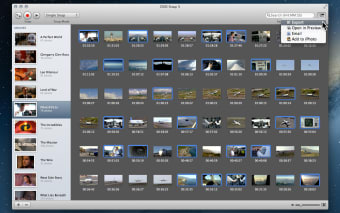
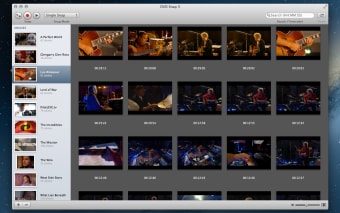
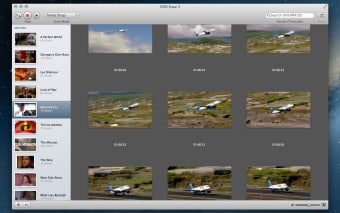
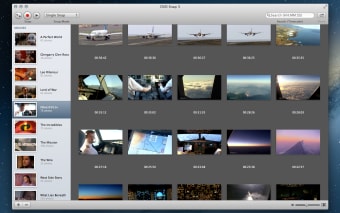
DVD Snap can take snapshots of any movie playing in your Mac DVD Player. Because it's built specifically for this, it's much easier to use than a traditional screen capture application. Just configure the program, launch the Mac DVD Player and then take your shots. You can grab one image or decide to create a sequence, by setting the time interval. DVD Snap can bet set from 0.5 to 600 seconds intervals.
Top Recommended Alternative

The application stores and numbers your shots, making them easy to find and exports to a number of image formats, including JPEG, PNG or GIF. The program window is very discreet and can be resized so it doesn't obstruct you when playing back the DVD.
DVD Snap works flawlessly with the Mac DVD Player, a huge plus but also it's only true limitation. We would have loved to see it being associated to any other media player and not just to DVDs, as you may want to take shots from other movie formats. That said you're sure to get an excellent image quality from a DVD.
DVD Snap allows to take unique or sequential shots from movies played in the Mac DVD Player. A discreet program with good settings.
Changes
Fixed 10.6 compatibility Minor bugs fixed